All learning experiences

Custom eLearning / Articulate Storyline 360

Customer Service Interaction Using Slide Layers

Articulate Storyline 360 · Custom Interaction / Slide Layers

A Storyline 360 interaction using slide layers to keep related customer service content organized within a single-screen structure that learners explore at their own pace.

  • Articulate Storyline 360

Interaction Walkthrough

Project overview

This example demonstrates the use of Storyline slide layers to create an interactive learner experience while keeping related information organized within a single-screen structure.

Audience

Employees in customer-facing service roles working through common interaction types.

Learning need

Related customer service content is easier to compare when it stays in one place. Splitting it across separate screens forces learners to hold earlier material in memory.

Instructional design rationale

Slide layers let a single base screen carry several related pieces of content that the learner opens on demand. This keeps the structure of the topic visible while letting learners control the order and depth of their exploration.

Design decisions

Layers instead of separate slides
Keeping the base screen visible preserves the relationship between the items rather than presenting them as unrelated steps.
Learner-controlled exploration
Learners choose what to open and in what order, which suits content that is related rather than sequential.

What this project demonstrates

  • Custom interaction construction with slide layers
  • Organization of related content on a single screen
  • Learner-controlled exploration
  • Reflective, inclusive-design practice

Reflective design note

One element I would change in a future iteration is the Christmas-specific theme used in the original interaction, including both the Santa Claus character and holiday music. If I were developing this experience today for a diverse learner population, I would use a culturally neutral character and setting and either neutral audio or no nonessential background music. This would preserve the interaction and learning experience without assuming that learners share the same cultural or religious traditions.

I include this reflection because inclusive design also means being willing to critically evaluate and improve earlier work.

Related projects

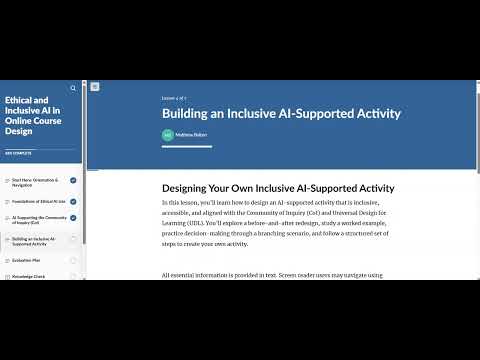
Title screen from the Ethical and Inclusive AI in Online Course Design walkthrough recordingeLearning / Articulate Rise 360

Articulate Rise 360 + Storyline 360

Ethical and Inclusive AI in Online Course Design

Graduate Instructional Design Project — University of Memphis

A longer, more scaffolded course on ethical and inclusive AI use in online teaching, built in Rise 360 with a custom Storyline 360 branching scenario embedded where decision practice was needed.

  • Articulate Rise 360
  • Articulate Storyline 360
View Case Study
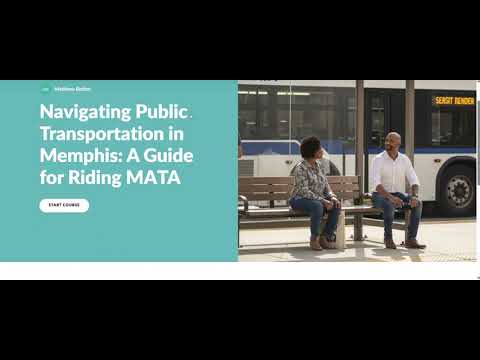
Opening screen from the Navigating Public Transportation in Memphis course walkthrougheLearning / Articulate Rise 360

Articulate Rise 360

Navigating Public Transportation in Memphis

Community Education — Friends For All

A streamlined Rise 360 course helping adult community learners build confidence using public transportation in Memphis, with interactions chosen to reduce cognitive load rather than to demonstrate complexity.

  • Articulate Rise 360
View Case Study
Opening screen from the Smart Shopping course walkthrough recordingeLearning / Articulate Rise 360

Articulate Rise 360

Smart Shopping: Practical Skills for Everyday Savings

Community Education — Friends For All

A Rise 360 course giving adult community learners low-risk practice recognizing and applying practical shopping strategies in everyday purchasing decisions.

  • Articulate Rise 360
View Case Study

Get in touch

Questions about this project?

I'm glad to walk through the analysis behind the decisions, or how I'd adapt this approach to your organization.